Free preset · From the reel
Stereo width from small phase moves.
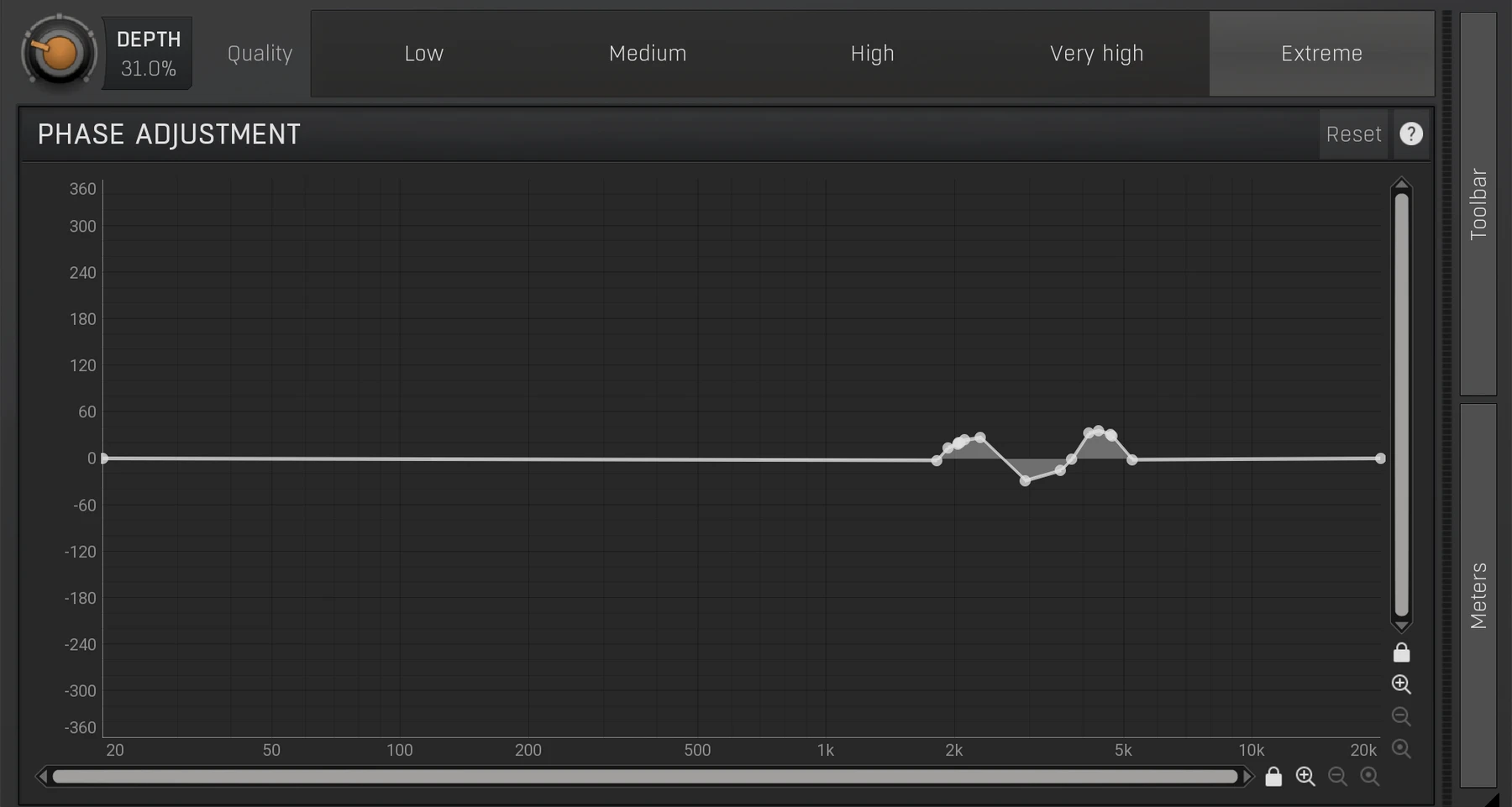
The preset from the reel. It runs in MFreeformPhase, on one channel, with no EQ and no imager. Enter your email and download it.
Your download is starting. The steps to import it are below. Didn’t start? Download it here.
How to import the preset
- Open MFreeformPhase and click the preset name at the top of the plugin to open the Presets window.
- On the left side, under Folders, click Import and choose the file you downloaded.
- Click Add, not Replace, so it only adds this one preset.
- Select SLATIN Analog Width in the list and click Load.
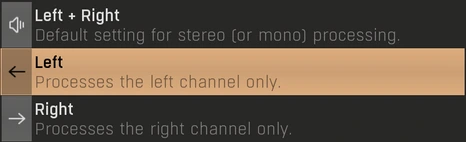
- The preset doesn’t set the channel, so do this by hand: open the Toolbar on the right of the plugin, click the channel button at the top of it and choose Left. Without this step you get no extra width.
Who I am
Ruslan SLATIN
I master over 1,000 songs a year for Universal, Sony, Warner, Interscope, Atlantic, Def Jam, Netflix and more, with multi-platinum certifications. I also teach engineers through mentoring and courses.
Top 0.1%
Mastering Engineers
1,000+
Songs a Year
Multi-Platinum
Certified


Want to go further?
Here's how I can help after this preset.
 MentoringMix & Master AcceleratorWeekly video reviews of your tracks, live group calls, and the business side of a studio career.By applicationApply now →
 CourseAdvanced MicrodynamicsFour hours on the micro-level movement that makes a mix feel alive. Joined by 220+ students.149€See the course →
 CourseLow End MasteryKick and bass chemistry, so your low end lands on club rigs and earbuds alike. Joined by 500+ students.159€See the course →